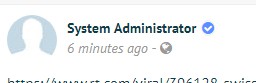
Introduce a trusted visual cue to your community. This feature displays a verified checkmark icon next to usernames, helping users identify official and authentic profiles.
How to Verify a Profile:
As an administrator, visit the user’s profile page, click the dropdown menu next to the message button, and select "Verify User."
Automatic Verification: All admin accounts are verified by default.
Included in Premium Social Network
This component is included as part of the Premium package at no additional cost.
Core App