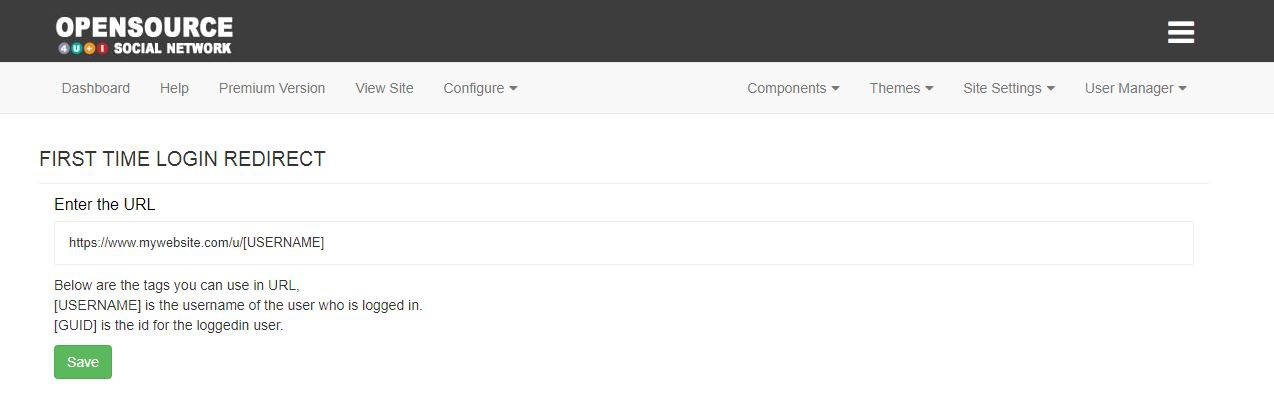
Redirect your users to different page when they login into your website the first time after creating account.
How to configure?
- To install the component login into your administrator account.
- Go to component installer and install the component
- Go to components page and enable it.
- After enable in administrator panel you will see configure option in topbar click it and menu will appear click the First Login button to configure the redirection URL.
Included in Premium Social Network
This component is included as part of the Premium package at no additional cost.
Core App